

 Pay in 4 with Afterpay
 Personalized Bowling Bags
 Personalized Shammies
 Personalized Bowling Jerseys
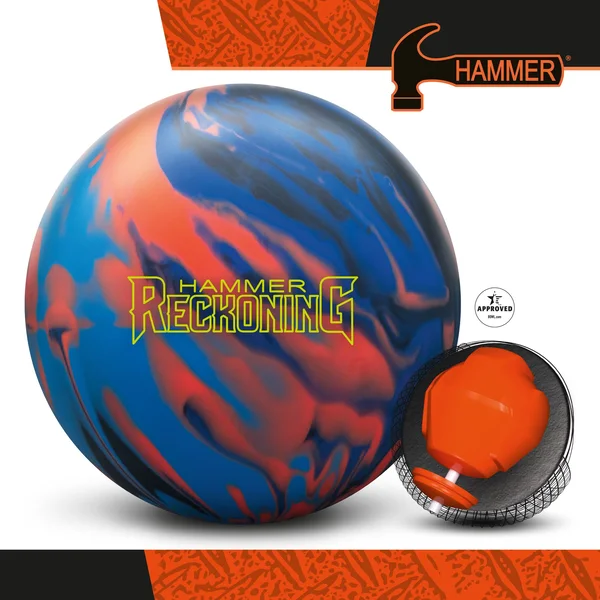 Shop Hammer Balls
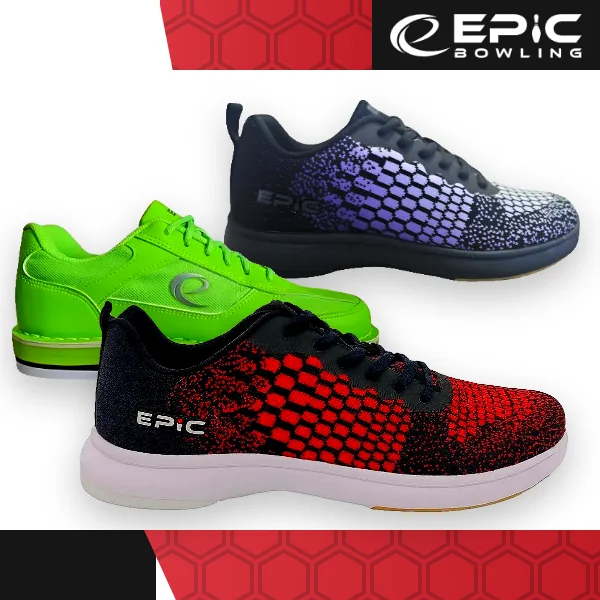 Shop Epic Shoes
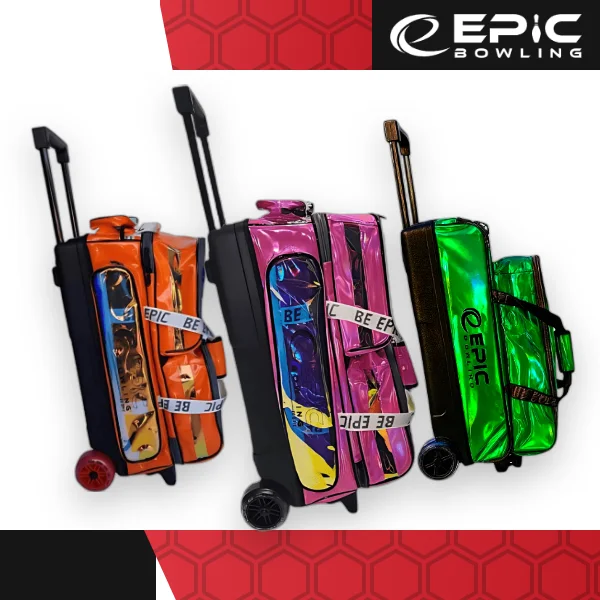 Shop Epic Bags
Your account
Delete your BowlersMart account
You can delete your account and the data linked to it at any time. There are two ways to do it.
How to delete your account
In the BowlersMart app
The fastest way. It takes three taps.
- Open the app and sign in.
- Go to Account, then Profile.
- Tap Delete account and confirm.
Your account is deleted right away.
On the website
No app? Request it here from inside your account. We delete the account within 30 days and confirm by email.
Sign in and we will bring you back here to confirm. Signing in is how we know the request is yours.
Checked out as a guest? Then there is no account to delete.
What happens to your data
Deleting your account is permanent and cannot be undone.
What is deleted
Your account profile, loyalty points, rewards, saved addresses and saved payment cards.
What we keep
Records of completed orders, as required by tax and accounting law. See our Privacy Policy.
Need a hand?
If you cannot sign in or have a question about your account, our team can help.
